Skip to content
Lulla — baby sleep tracker app
Sleep Tracker · Free

Your baby's sleep,
tracked effortlessly

Free sleep tracker — monitoring, routine, and statistics for your baby.

10,000+

parents using Lulla

50K+

hours of sleep tracked

5.0

average rating / 5

120

original bedtime stories

Sound familiar?

Do you know the feeling when you don't know if your baby is sleeping enough?

Nights without reference points

You don't know how many hours they slept, when they woke up, or whether it's normal for their age.

Pediatrician visits without data

The doctor asks you about sleep and you say "I think it's fine," with no real numbers.

Constant anxiety

You stress that you're not doing enough, even though you're probably doing more than you think.

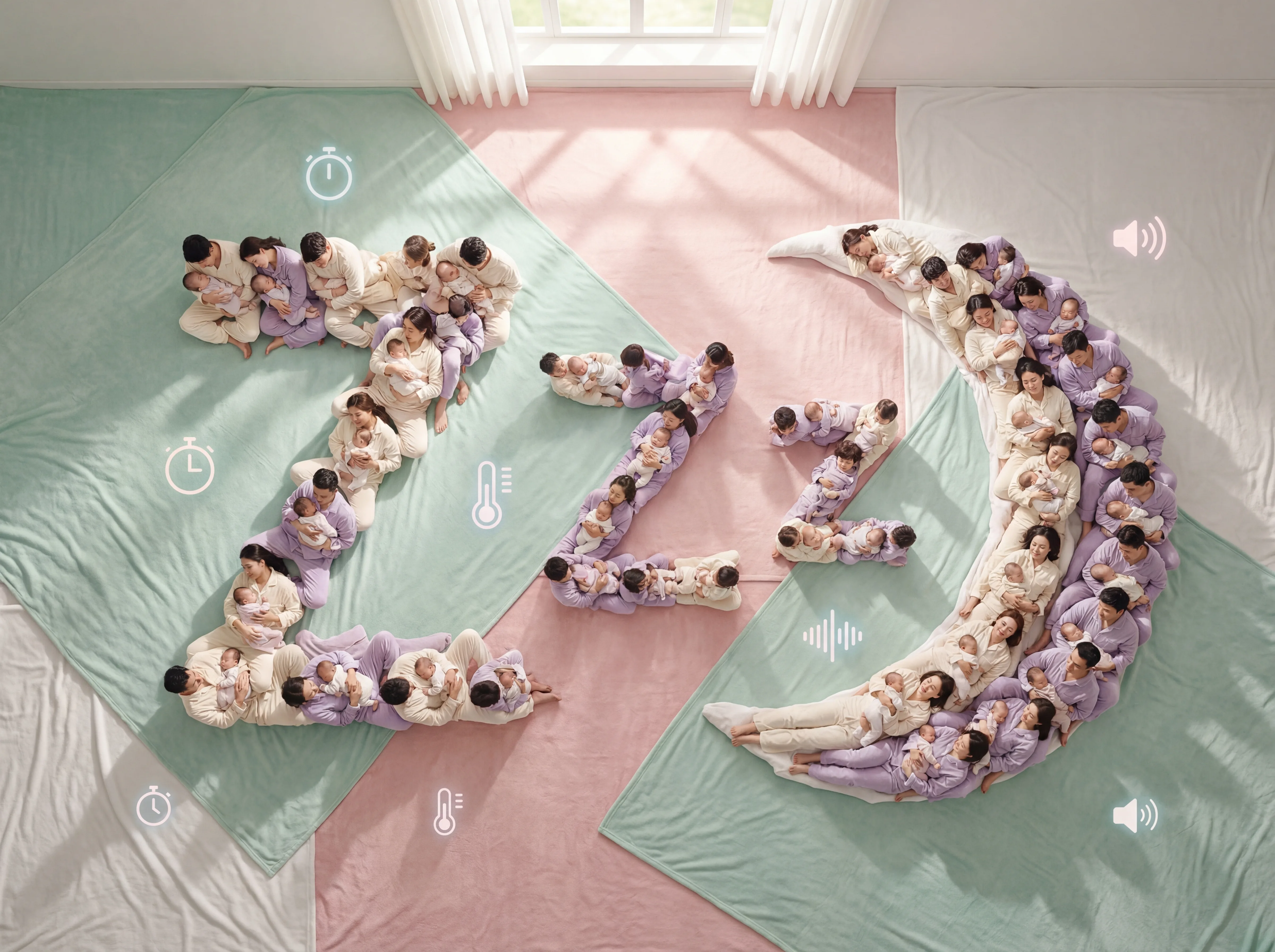
Parents and babies forming a sleep symbol

Made by parents.
For parents.

Real reviews · Google Play
5.0/ 5 · 878 reviews on Google Play
5 out of 5 stars

I've been using this app for a day already and I'm very happy with it. Now I can see how much baby sleeps and how to manage her sleep better because before it was chaos, she only slept for a few minutes and then woke up and cried nonstop because she was too stimulated and I didn't understand why she wasn't sleeping, now since I started regulating her sleep she sleeps better and several times a day for around 40/50 minutes and before she didn't sleep that long. Thank you Lulla😍

Translated from Romanian

Mihaela P.
· Google Play
5 out of 5 stars

I think it's a very interesting and useful app when it comes to putting my baby to sleep

Translated from Spanish

Danna F.
· Google Play
5 out of 5 stars

since signing up I haven't seen those annoying ads, it's super practical and convenient to use.

Translated from Spanish

Maryurys R.
· Google Play
5 out of 5 stars

it's a perfect app especially for first-time parents

Translated from Spanish

Naomi F.
· Google Play
5 out of 5 stars

A wonderful app for parents! Since I started using Lulla it has helped me so much to better understand my baby's sleep routines. The interface is very pretty, intuitive and easy to use. I love that it lets you keep track of naps and it helps me organize my day better. As a first-time mom, it has given me a lot of peace of mind and made taking care of my baby a little easier. You can see the love and effort behind this app. I totally recommend it

Translated from Spanish

Melanny A.
· Google Play
5 out of 5 stars

seems like good strategy and management of the baby's care

Translated from Spanish

Graciel C.
· Google Play

Public reviews from Google Play, selected by us. The text is reproduced unedited; reviews written in another language are translated. The rating and review count are those shown on Google Play on October 27, 2026. All reviews on Google Play ↗

The solution

One button. Everything you need.

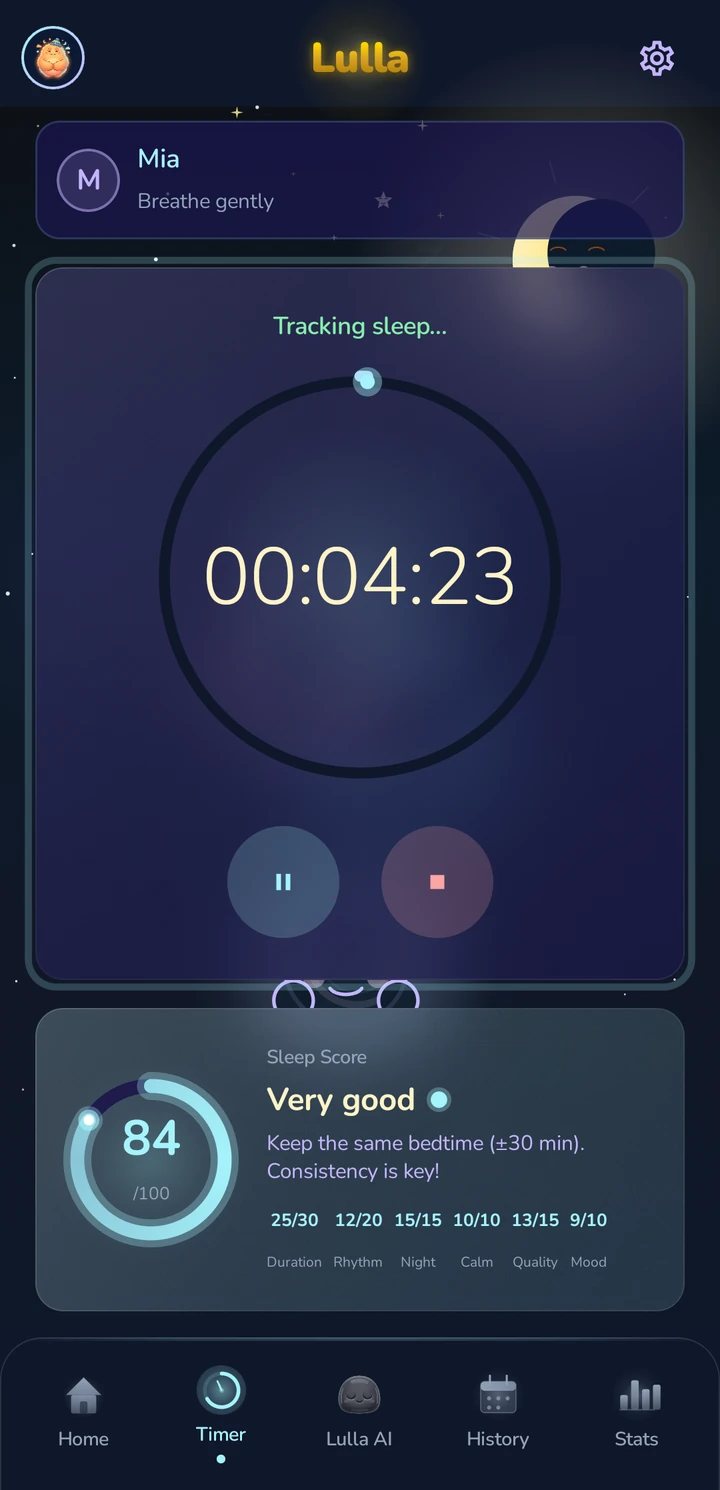
Tap start when they fall asleep. Lulla does the rest.

Smart timer

Automatically detects night sleep versus naps. Works even with the screen off. One tap, started.

Sleep score 0-100

Based on duration, consistency, quality, and mood. Personalized tips included daily.

Lulla — Timer
Features

Everything you need. Nothing extra.

Sleep tracking

Start and stop with a single tap. Lock screen notification. Home screen widget.

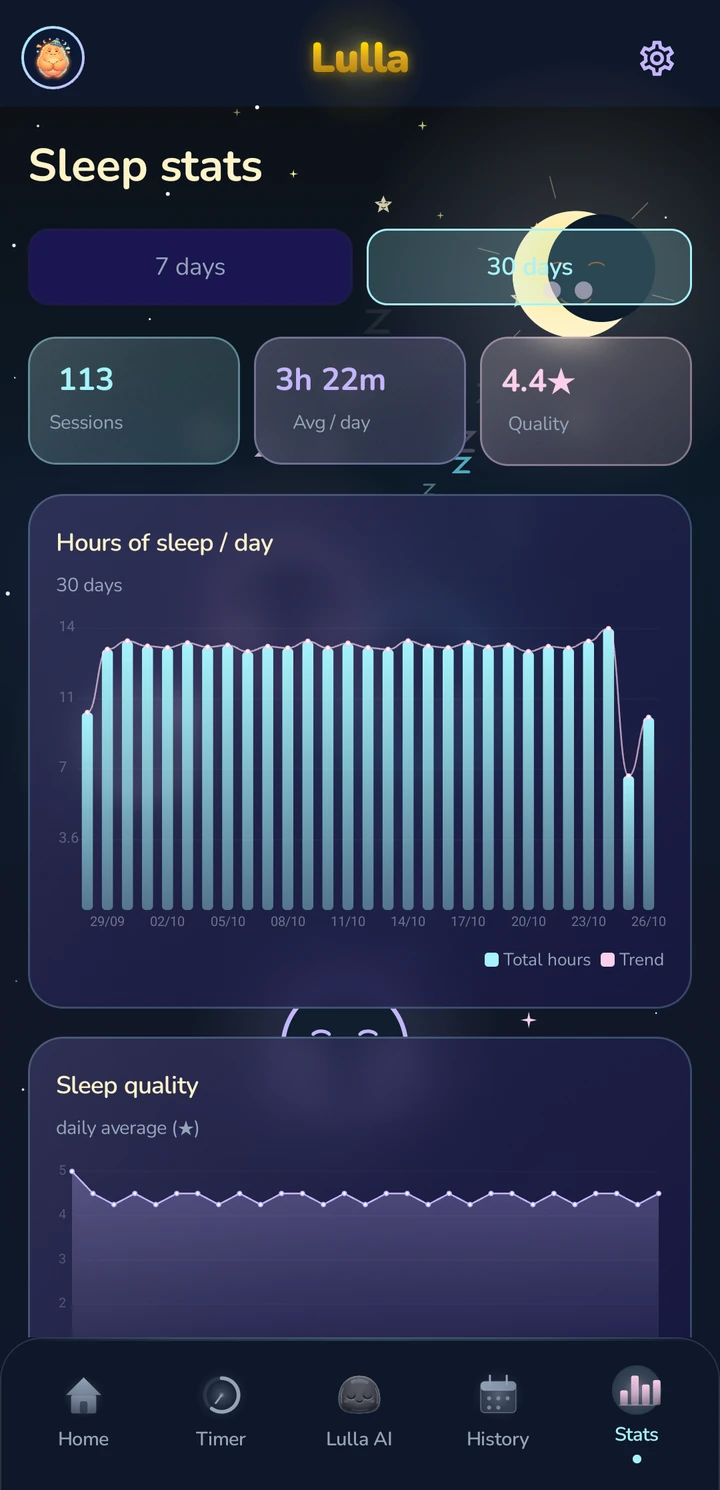
Detailed statistics

Daily and weekly charts, hourly average, night versus daytime sleep.

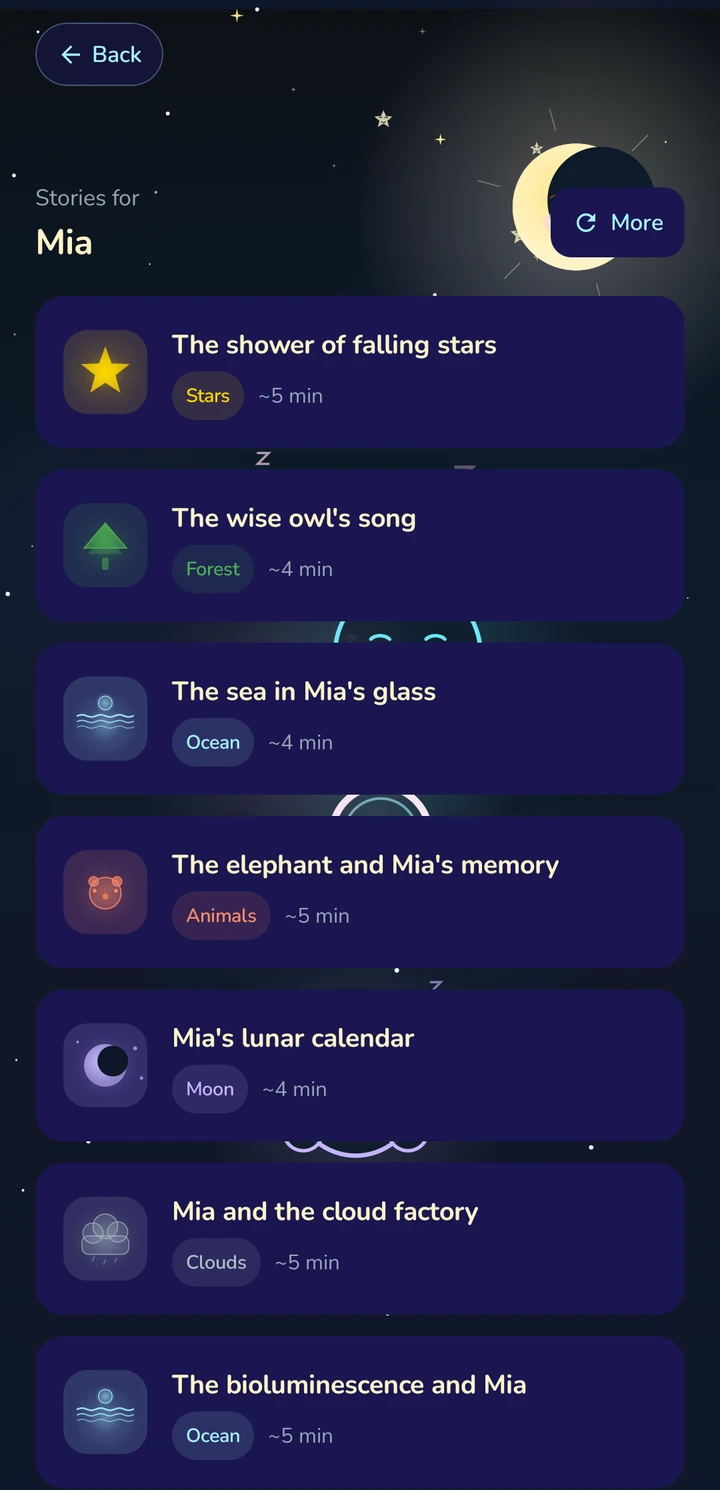
120 bedtime stories

Personalized with your baby's name. 6 themes: stars, forest, ocean, animals, moon, clouds.

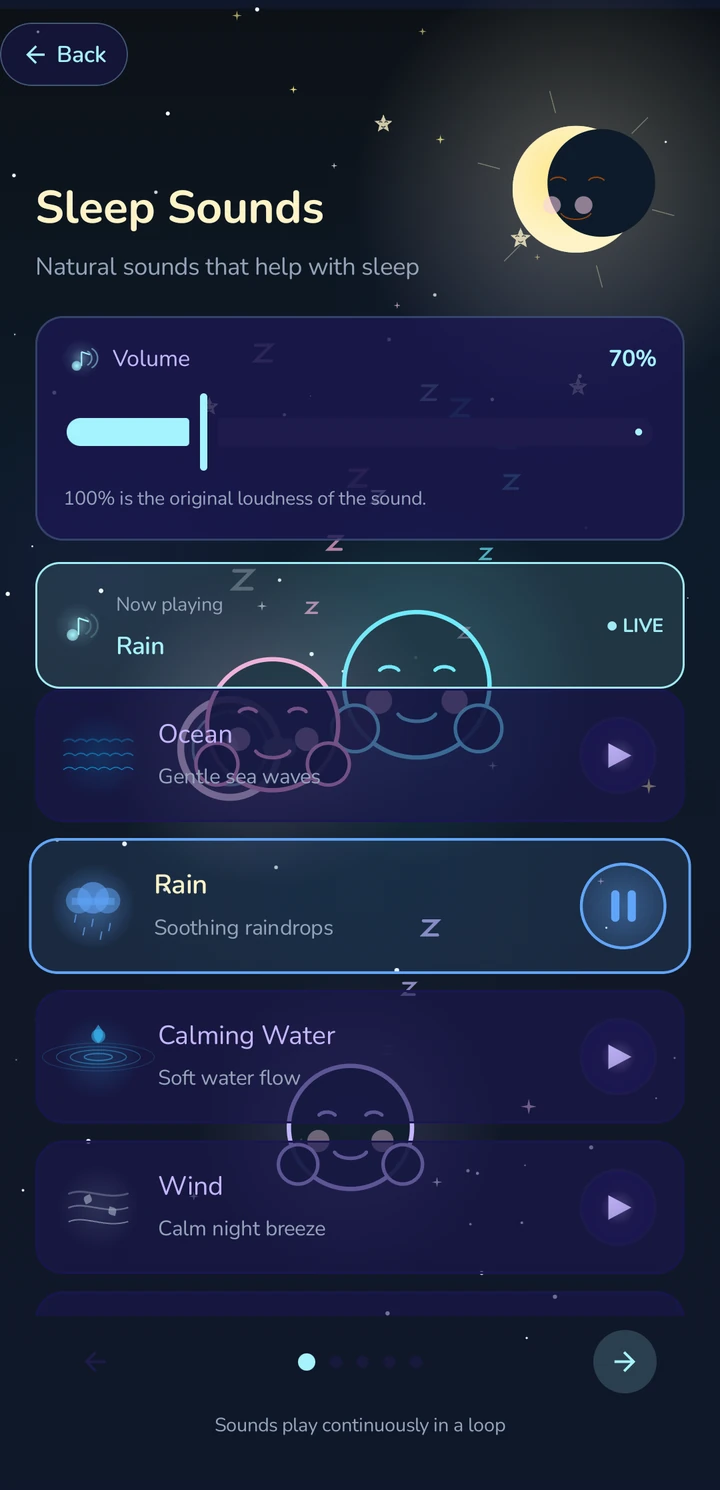
50 ambient sounds

White noise, rain, ocean, forest, heartbeat, on a loop.

PDF export for the doctor

A professional report with charts, send it directly to the pediatrician from the app.

Sharing between parents

One code. Both parents see the same data, live. Automatic sync.

See the app in action

A clean interface, carefully built for tired parents.

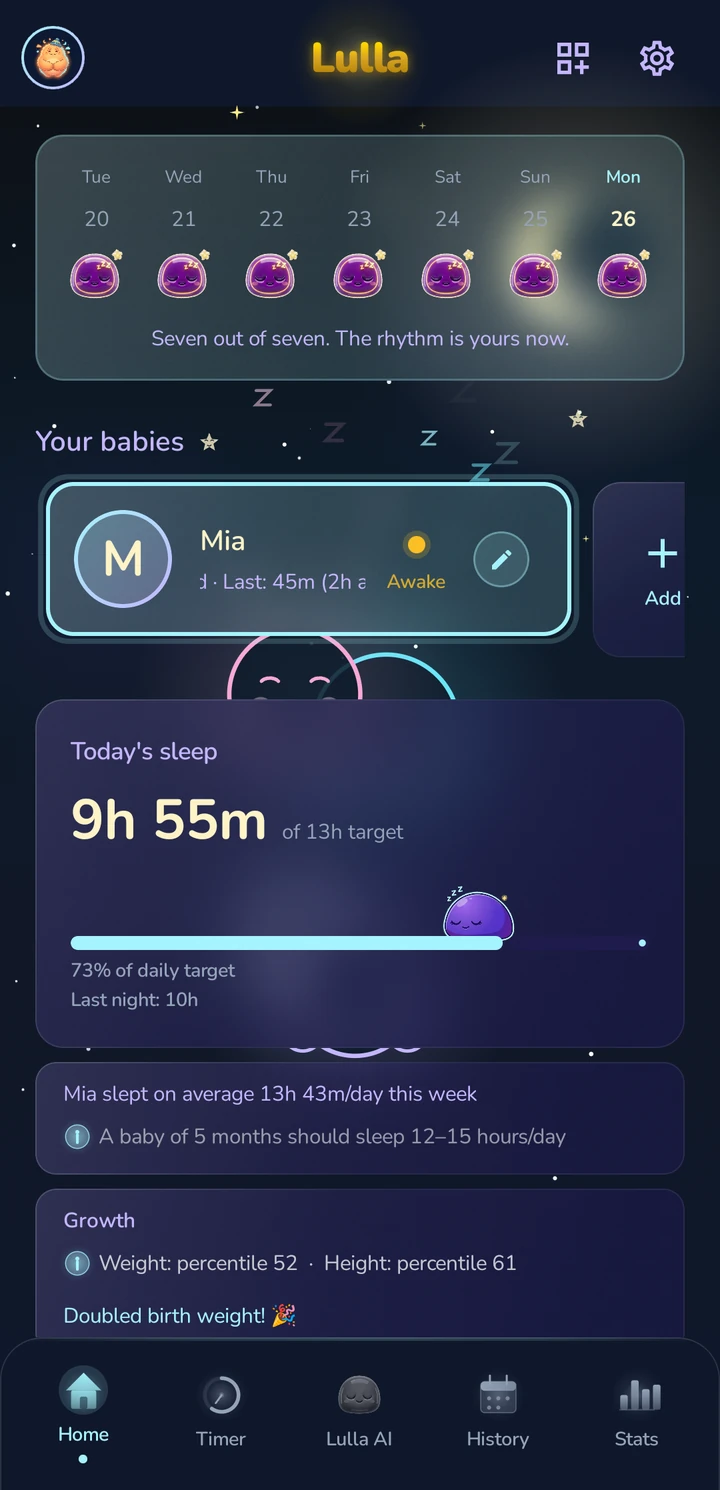
Lulla — Home
Home
Lulla — Timer
Timer
Lulla — Statistics
Statistics
Lulla — Sounds
Sounds
Lulla — Stories
Stories
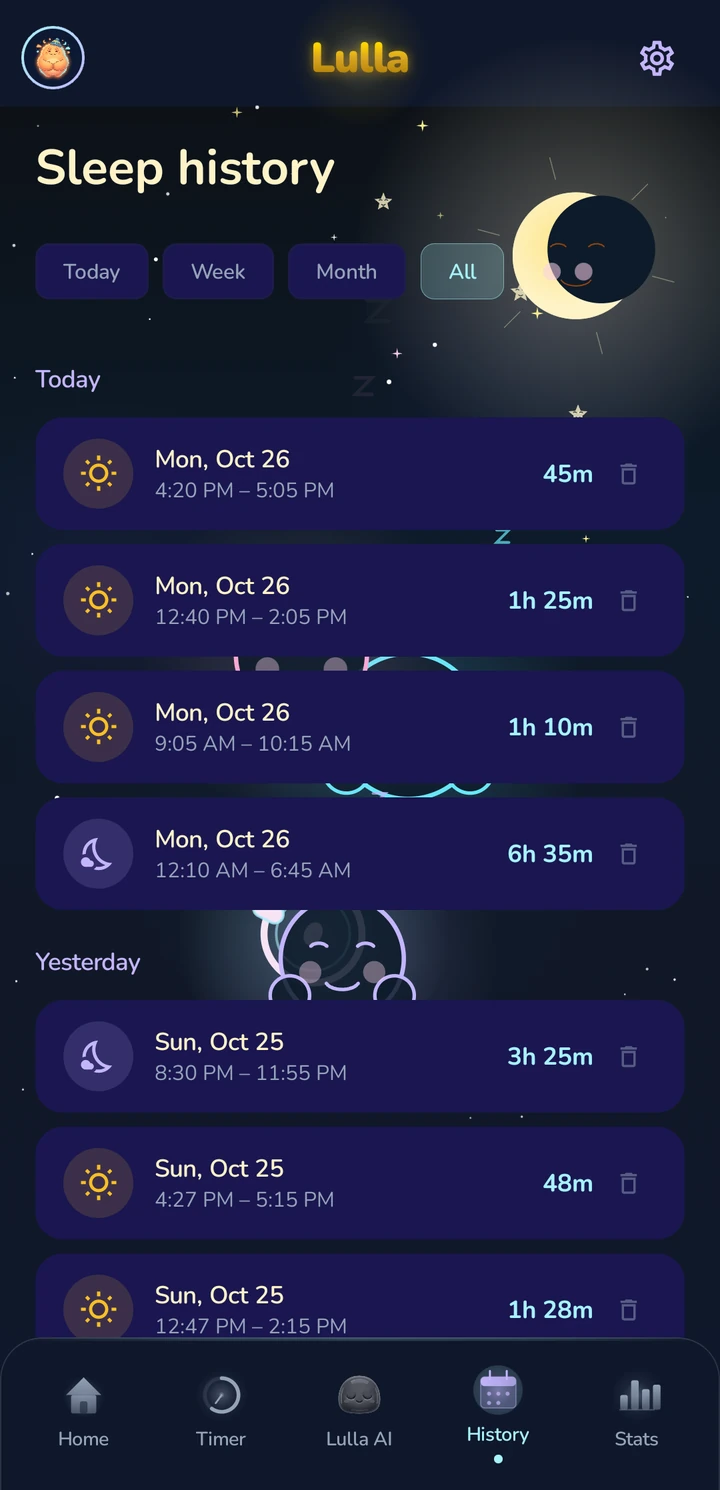
Lulla — History
History
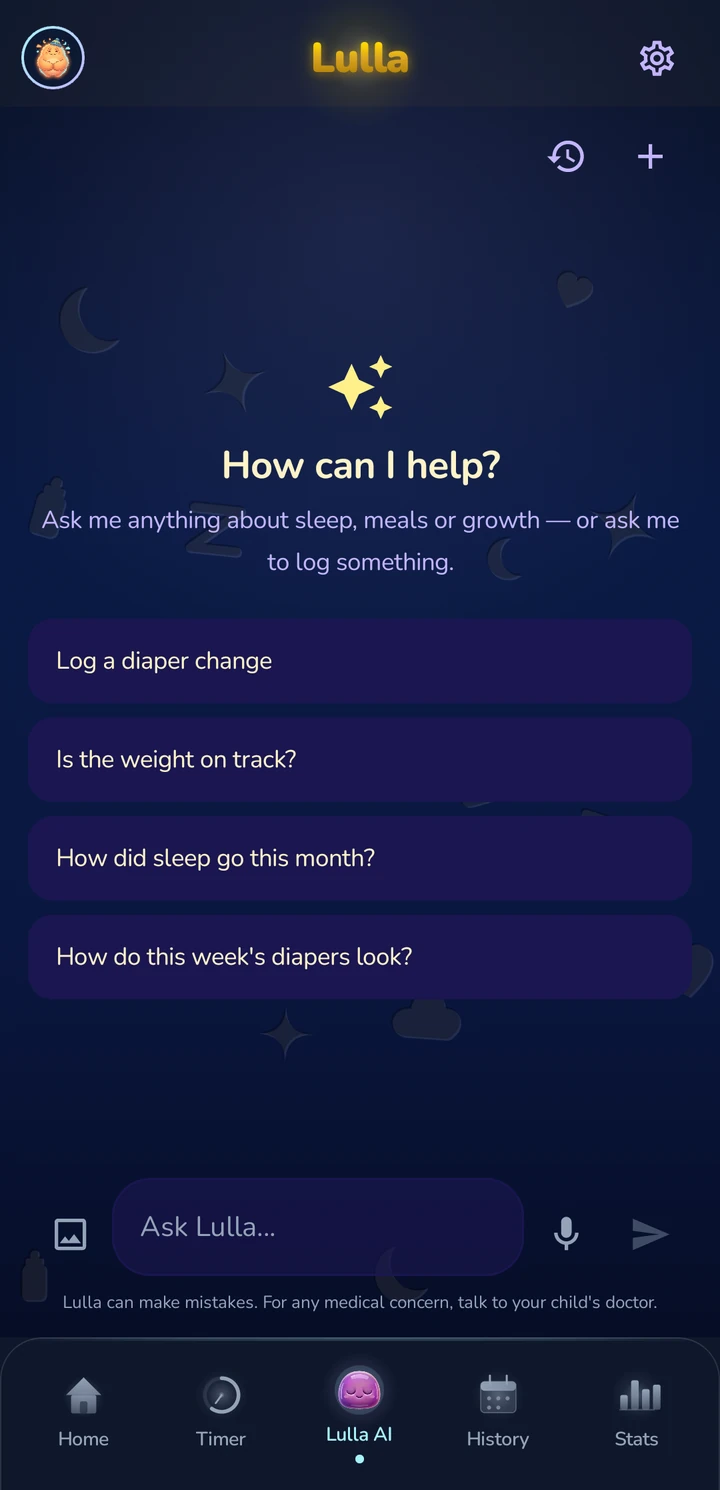
Lulla — Lulla AI
Lulla AI
3 steps

How does it work? 3 simple steps.

Lulla — how it works
  1. 1

    Create a profile

    Add your baby, name, date of birth. 30 seconds and you're ready.

  2. 2

    Start the timer

    One tap when they fall asleep, one tap when they wake up. Lulla records everything automatically.

  3. 3

    Discover the patterns

    Statistics, sleep score, and personalized tips — all automatic, day after day.

Download now

Better nights start with Lulla

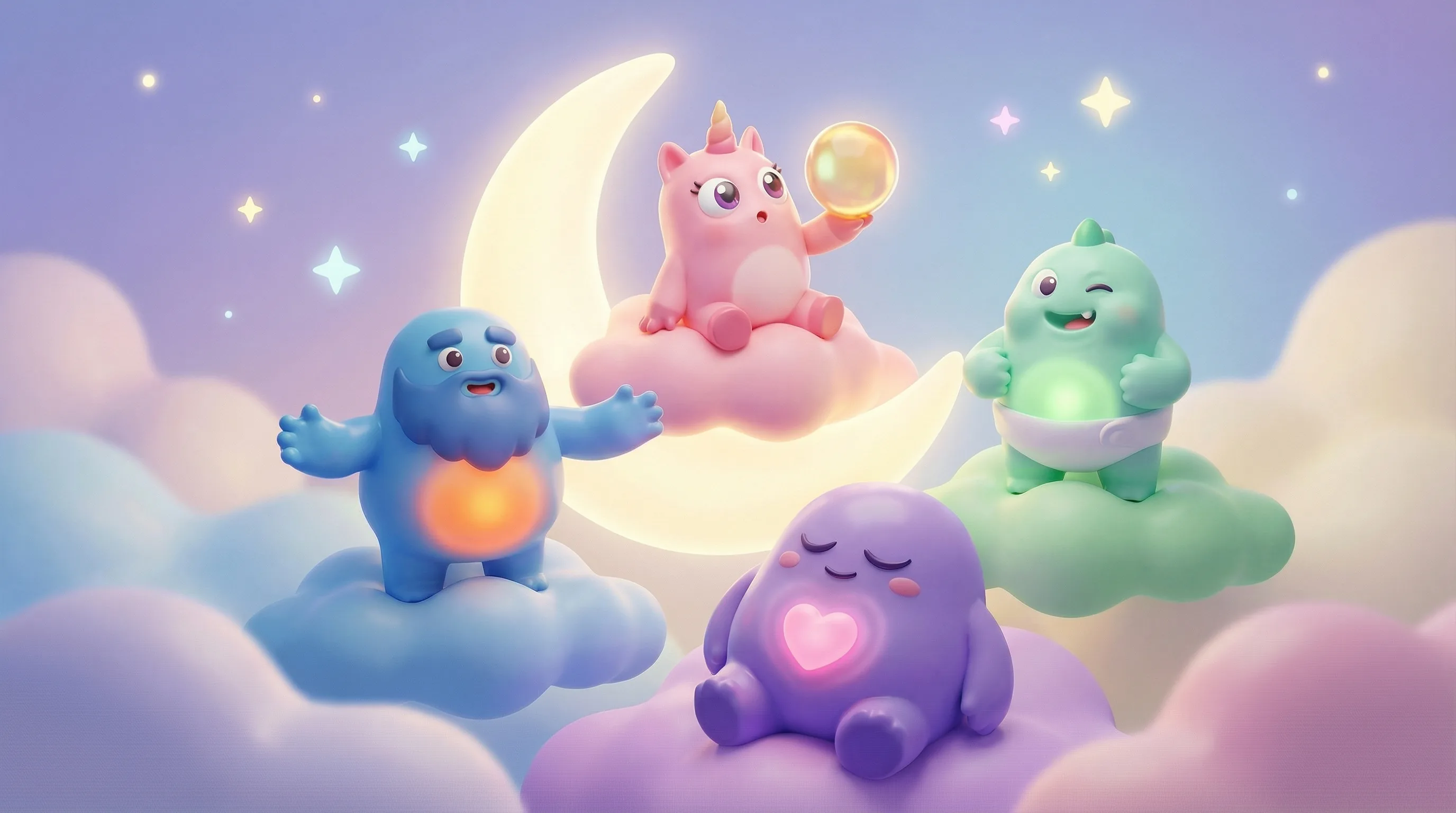
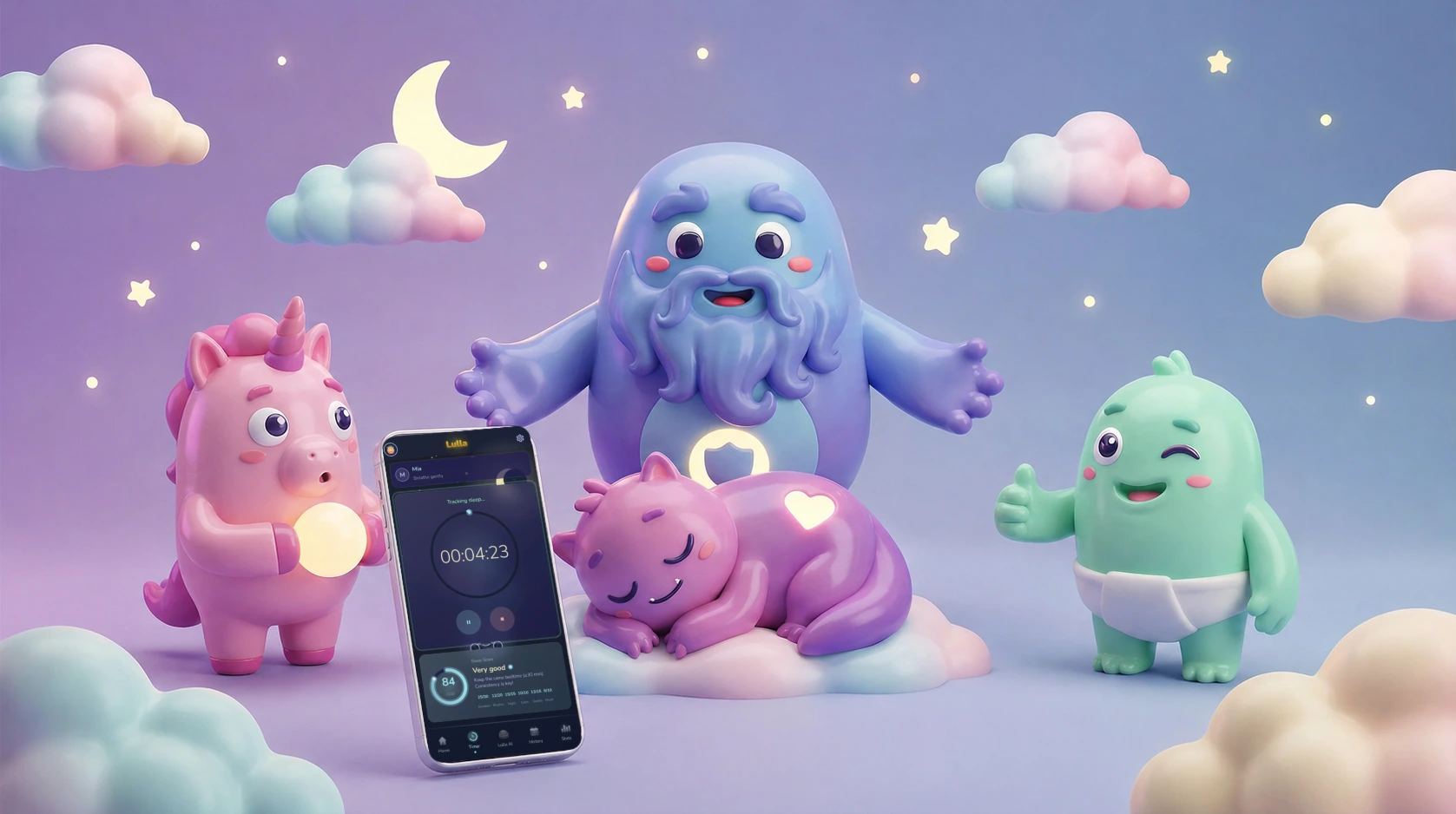
Lulla — mascots with the app in action

Get baby sleep tips

Once a month, useful content. No spam.

Frequently asked questions

Is Lulla free?

Lulla is free to download and use, with no ads. An optional Premium subscription unlocks additional features and starts with a 7-day free trial, billed through Google Play or the App Store.

Which phones does Lulla work on?

Lulla runs on Android 8.0 and newer from Google Play, and on iPhone and iPad from the App Store.

Can I add multiple children to Lulla?

Yes. You can add as many children as you want, for free, each with their own profile.

How does the sleep score work?

The sleep score, from 0 to 100, combines six components: sleep duration compared with what's recommended for your baby's age, how consistent bedtime is, the ratio of night sleep to daytime sleep, awakenings, your own quality rating, and mood on waking.

See all FAQs →